A URL becomes a file you can share.
Capture a public webpage to document an interface, show a client your work or prepare a visual presentation. Adjust the size and choose your output format.
PNG · JPEG · PDF · Full-page capture
Capture a websiteTurn a URL into a PNG, JPEG or PDF. Create the image people see when they share your link, or build an App Store and Google Play presentation. Use the tools in your browser and automate screenshots and social cards with the API.
Building an integration? Explore the APINo credit card required / 100 renders / month free


A webpage to share, an image for your next article, or a sequence to present your mobile app. Choose the result you need.
Capture a public webpage to document an interface, show a client your work or prepare a visual presentation. Adjust the size and choose your output format.
PNG · JPEG · PDF · Full-page capture
Capture a websiteOpen Graph is the image shown when a link is shared. Choose a template, add your title and brand, and create a preview for an article, product or launch.
1200 × 630 · 72-template catalogue · Access depends on your plan
Create a social cardImport your app screenshots, arrange device frames, text and layers, then export a presentation for App Store or Google Play. Start with a template or a blank canvas.
PNG · ZIP · 54-template catalogue · Access depends on your plan
Explore Store StudioTry a public webpage and get a real screenshot preview. No account or credit card required.
Enter a public URL. ShotForge captures that page and displays the result here.
Public pages, complex layouts, full-page screenshots: meet the rendering engine behind your creations and your API.
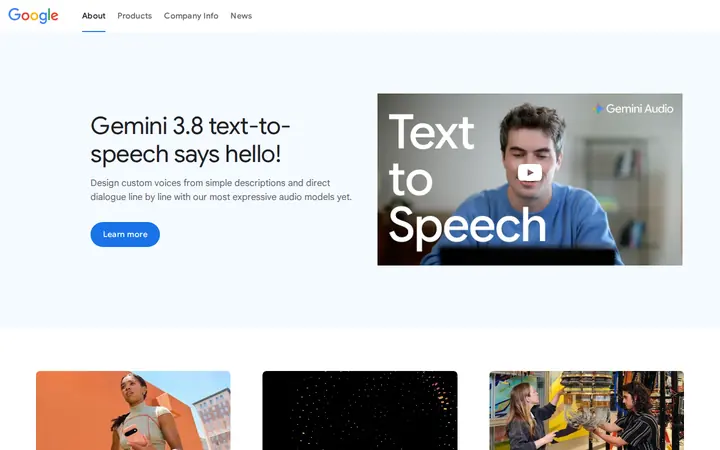
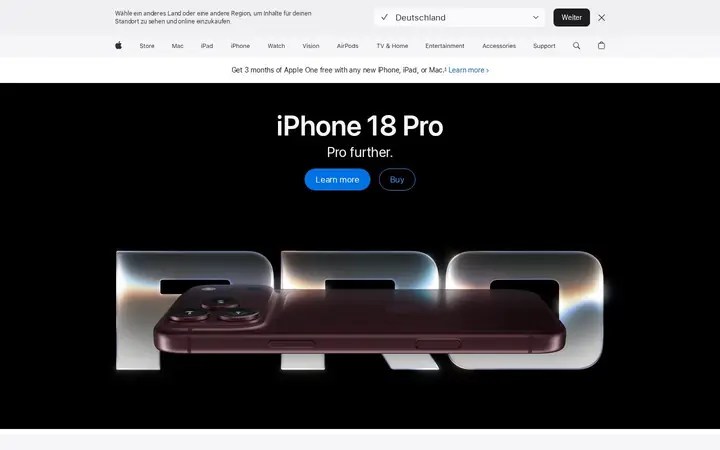
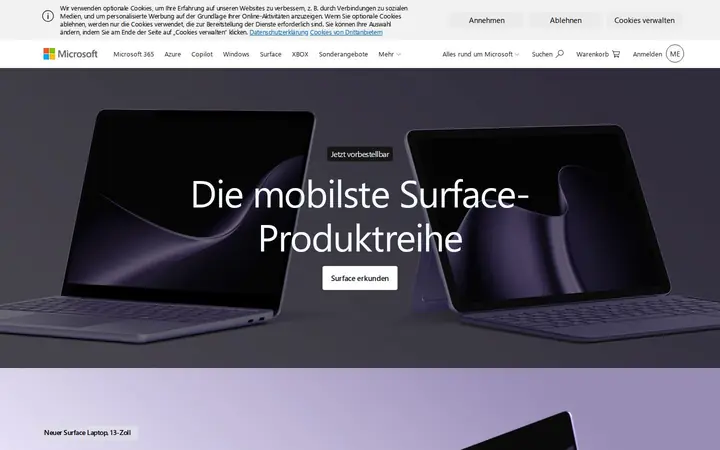
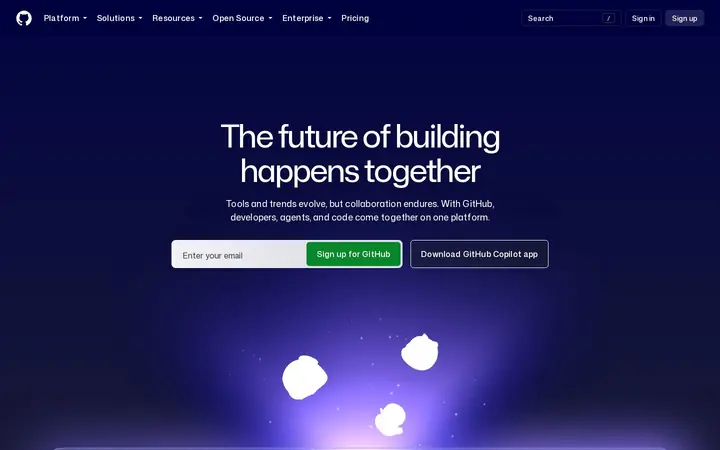
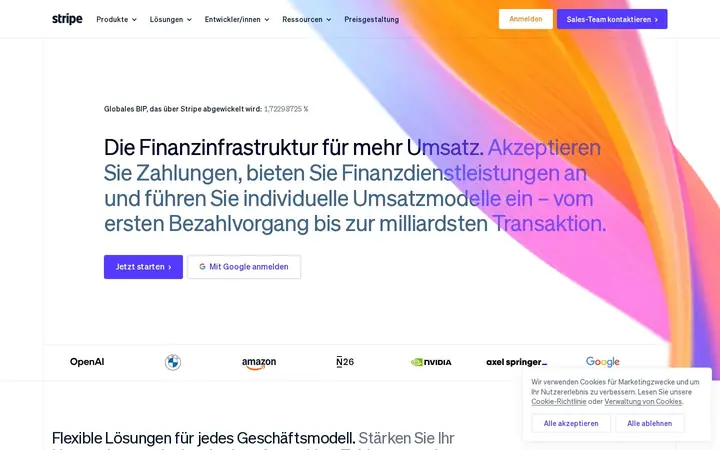
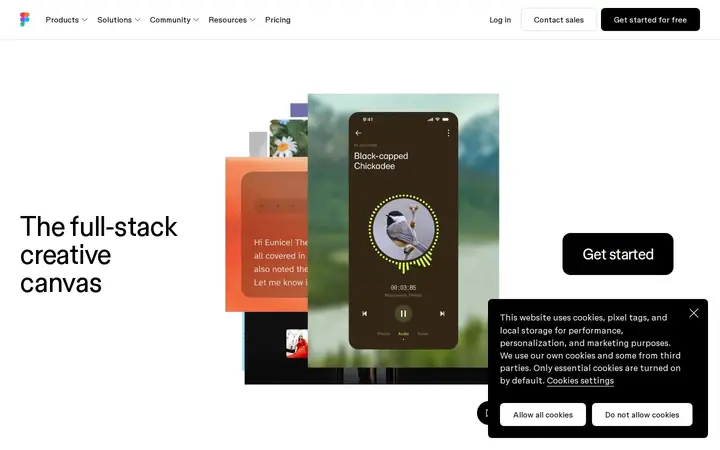
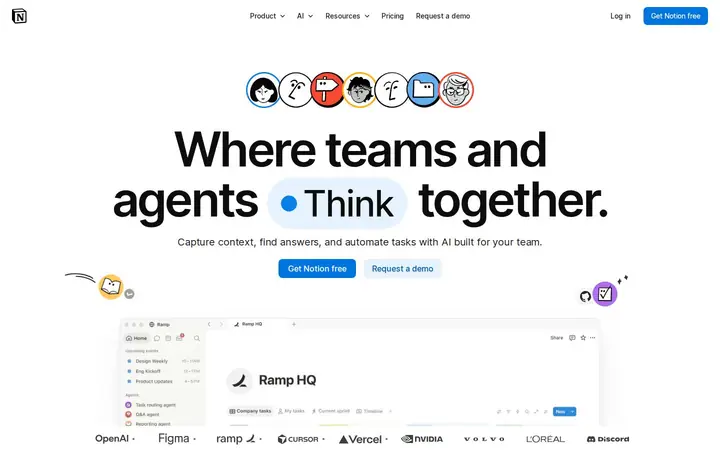
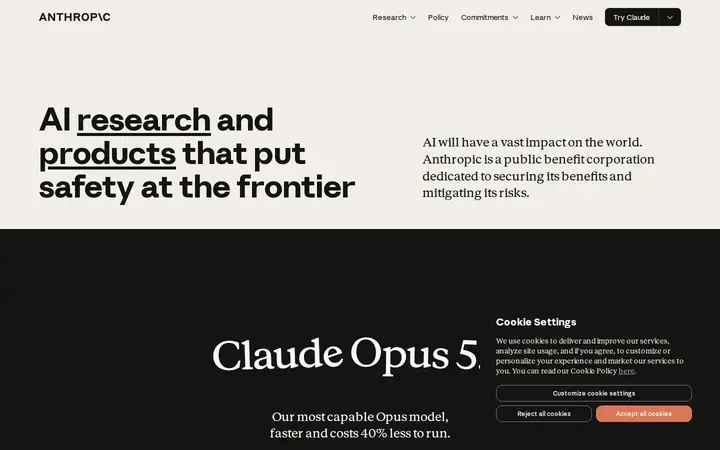
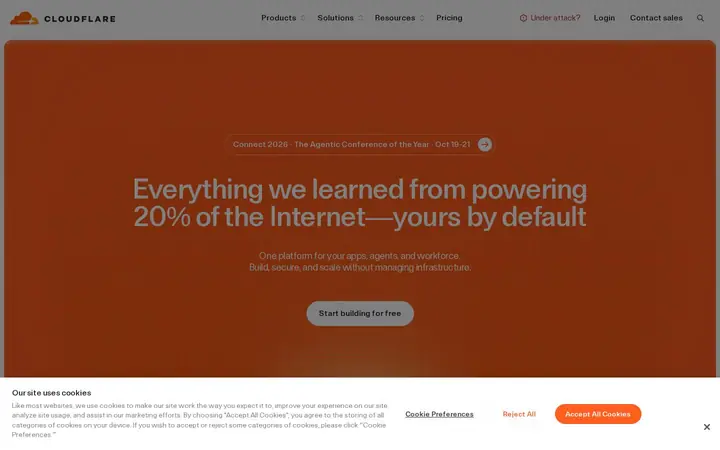
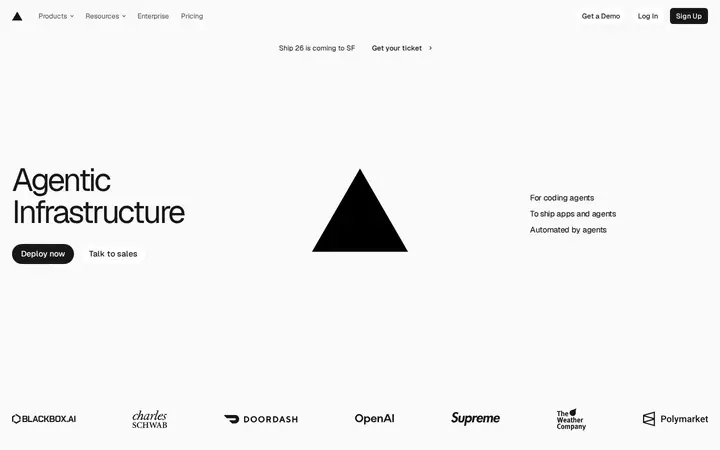
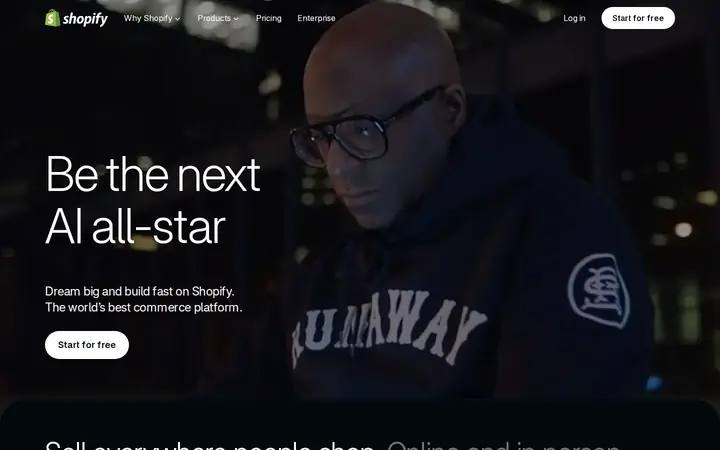
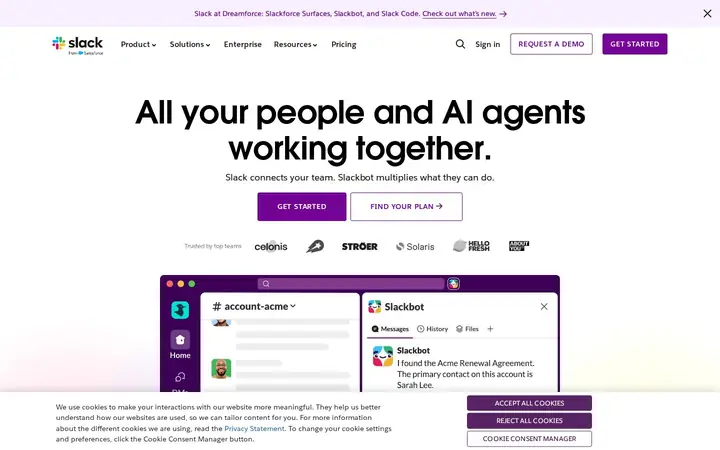
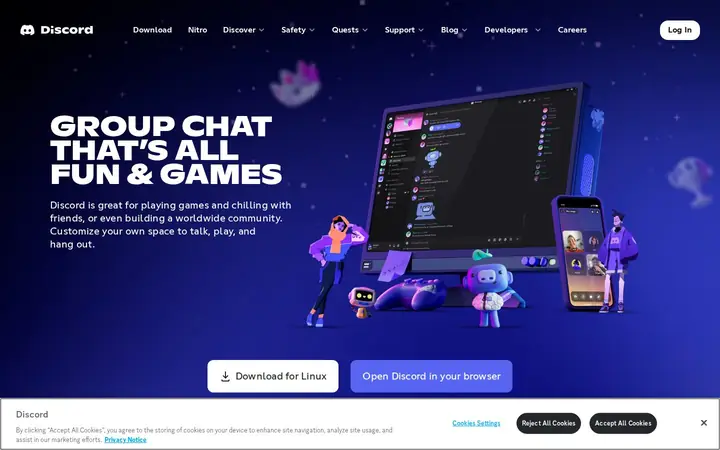
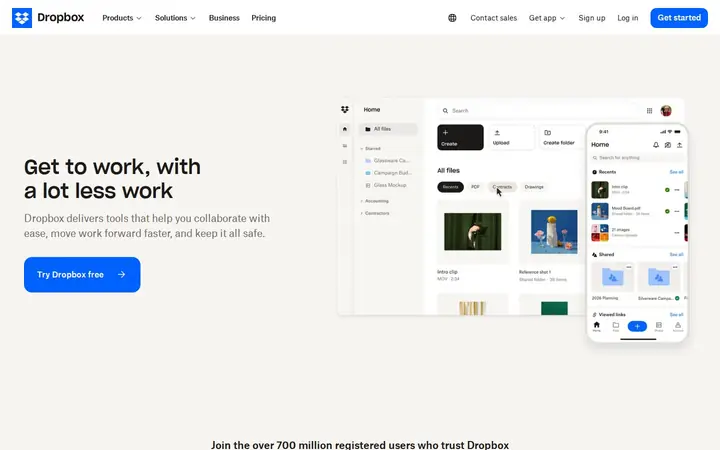
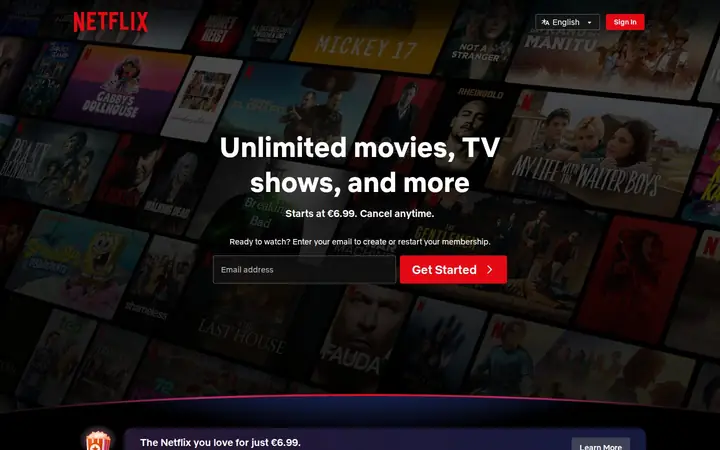
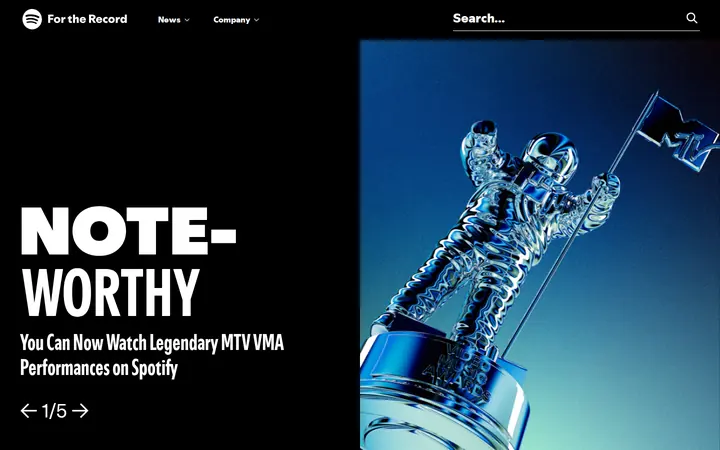
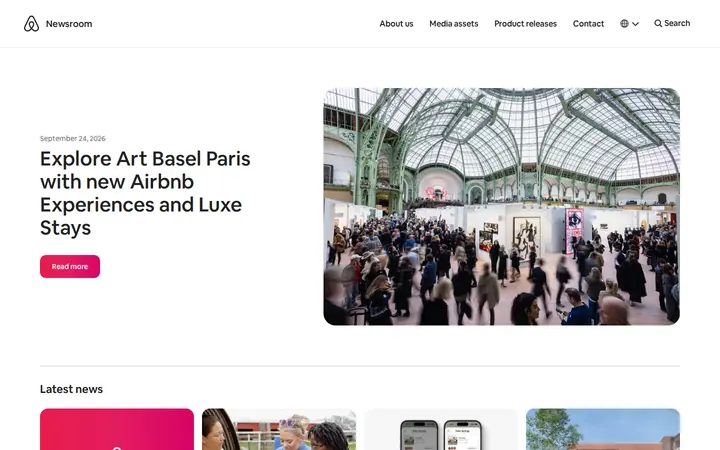
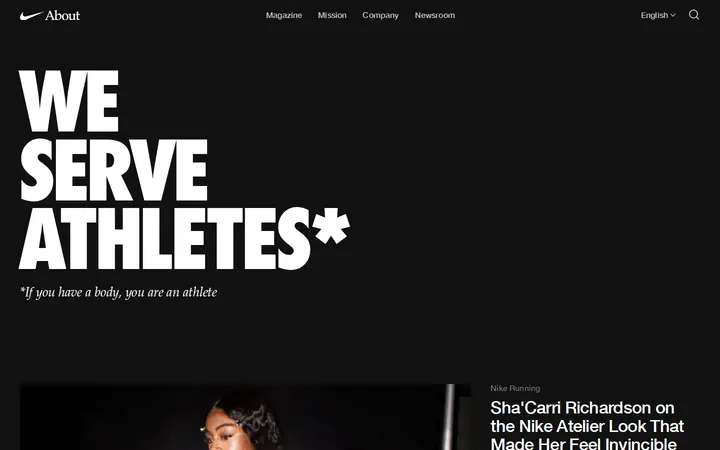
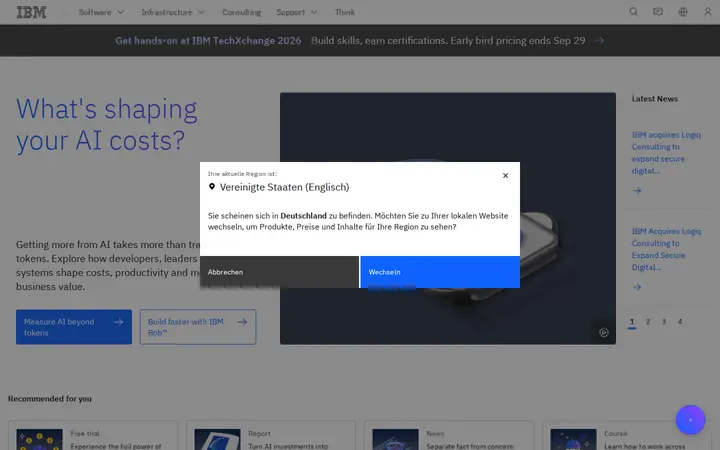
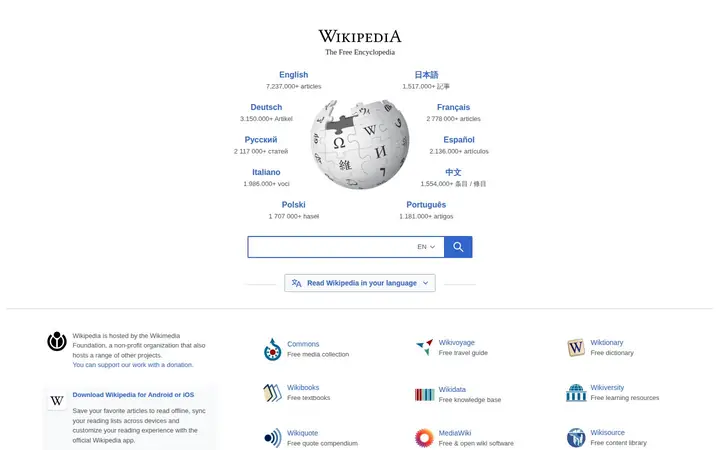
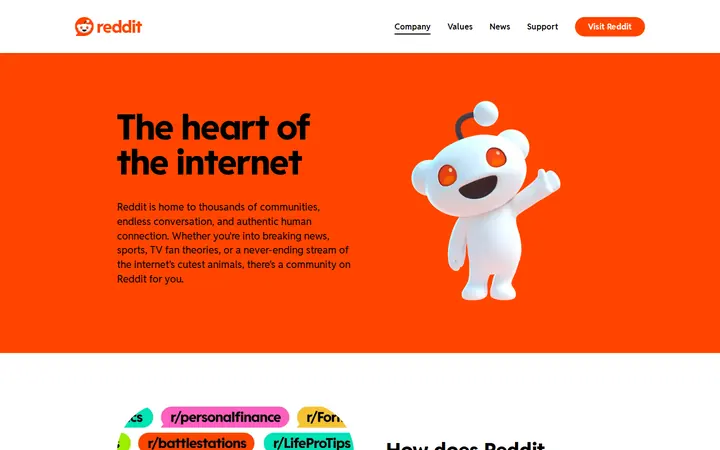
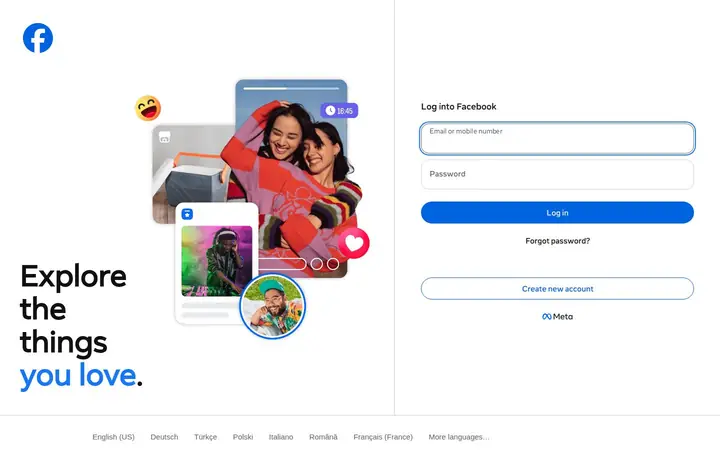
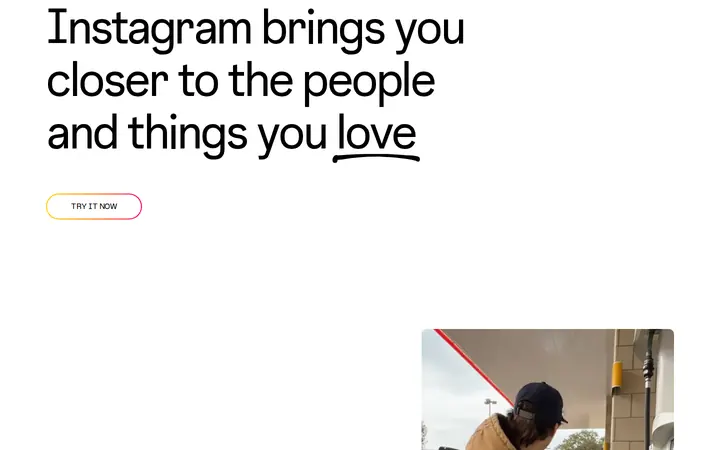
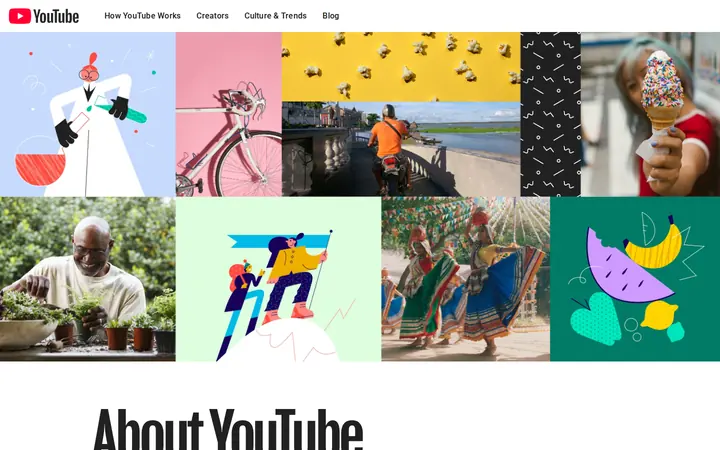
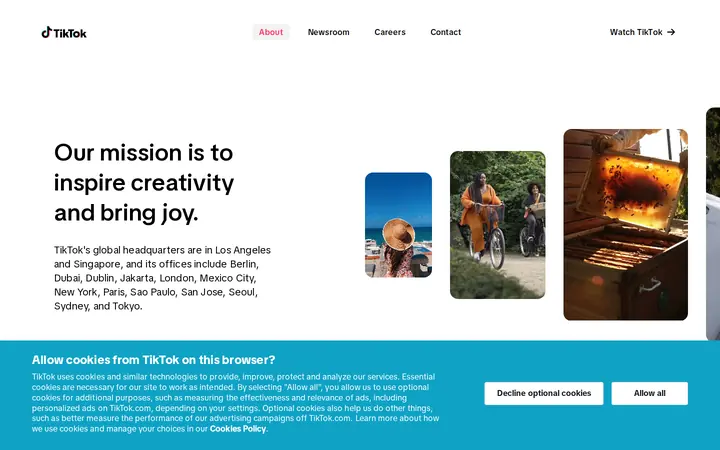
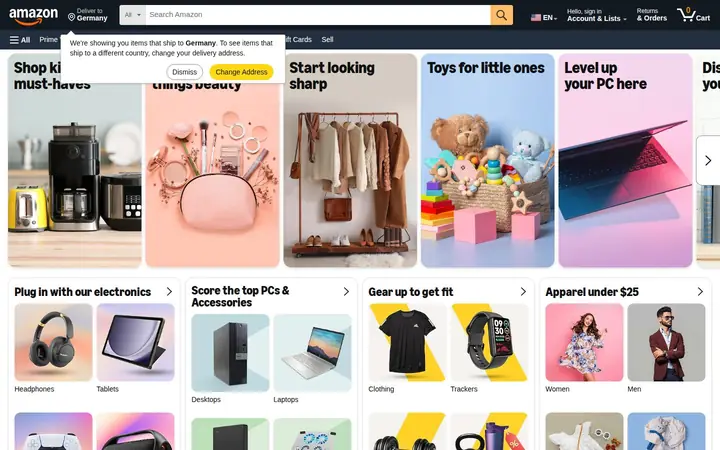
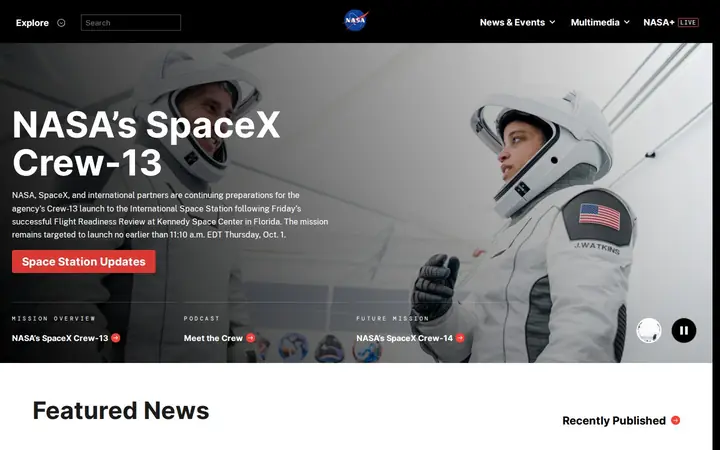
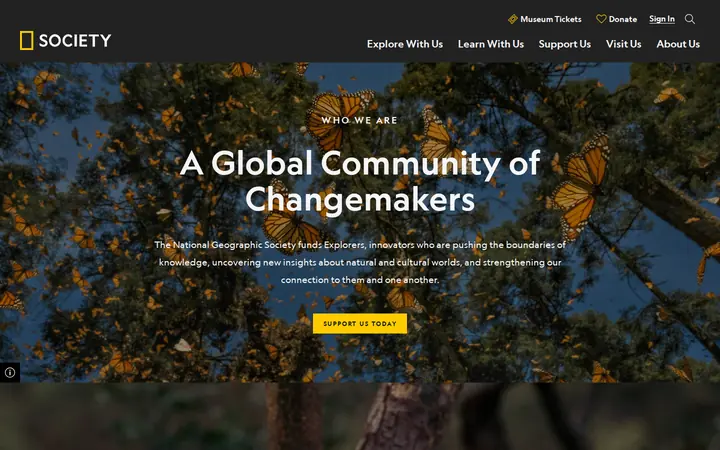
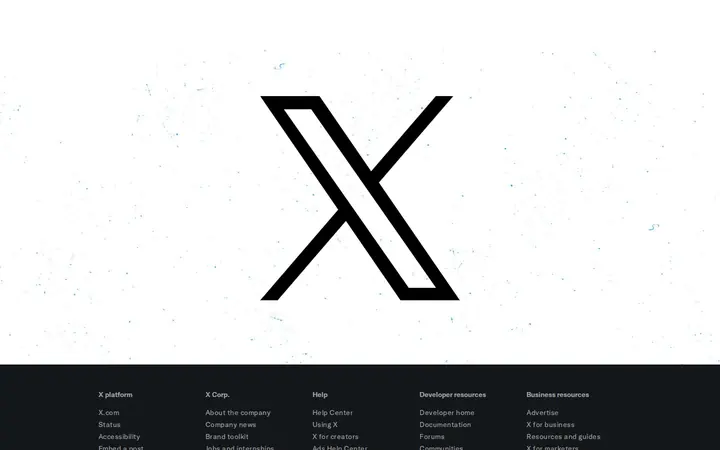
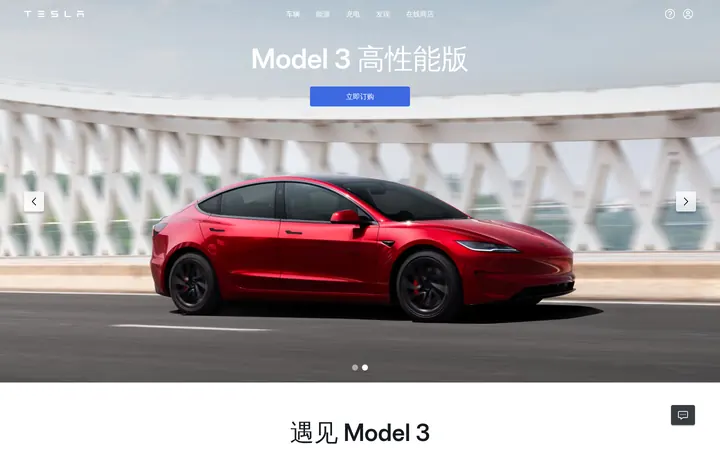
Independent visual examples captured from public homepages. ShotForge is not affiliated with the displayed brands.
Generate website screenshots and Open Graph images from your scripts and applications. Send a URL and your settings; receive a file without maintaining your own browser infrastructure.
Create a scoped API key from your dashboard. The plaintext value is shown once and never stored.
Choose the URL, viewport, output format and optional full-page or authenticated capture settings.
Receive a PNG, JPEG or PDF directly. Failed renders do not consume your quota.
# Your first production render
curl -X POST https://shotforge.dev/api/v1/screenshot \
  -H "X-API-Key: $SHOTFORGE_API_KEY" \
  -H "Content-Type: application/json" \
  -d '{"url":"https://example.com","width":1280}' \
  --output shot.png

# 200 OK → image/pngUse ShotForge to produce a concrete deliverable: a screenshot, a link preview or a mobile app presentation.
Document a webpage or interface and share a visual preview with your team or a client.
Prepare the image for an article, product page or launch with your title, colours and brand.
Turn your app screenshots into a coherent sequence with editable text and device frames for App Store and Google Play.
A rendering API and a visual studio for websites, social media and mobile stores.
Capture the entire scrollable page, not just the viewport. PNG or JPEG, up to 4K wide.
Turn any URL into a print-ready PDF. A4, A3, Letter or Legal, portrait or landscape.
Generate 1200×630 social cards on the fly. Perfect for dynamic link previews.
We render with Chromium, so webfonts, flexbox and modern JS behave exactly like your users' browsers.
Requests to private networks are blocked at the DNS level. Your infrastructure stays unreachable.
Per-plan monthly quotas with a live usage endpoint. No surprise bills, ever.
Screenshot dashboards and private pages. Credentials are used once in-memory — never stored.
Independent visual examples captured from public homepages. ShotForge is not affiliated with the displayed brands.
Try a website screenshot, create an image for a shared link, or explore the mobile app templates. Compare plans when you need more renders or templates.
Compare plans